Every color tool.
Fast, Accurate, Free.
RGB-Colors is a clean, accurate toolkit for designers and developers — pick, convert, mix, blend, extract and check colors without leaving your browser.
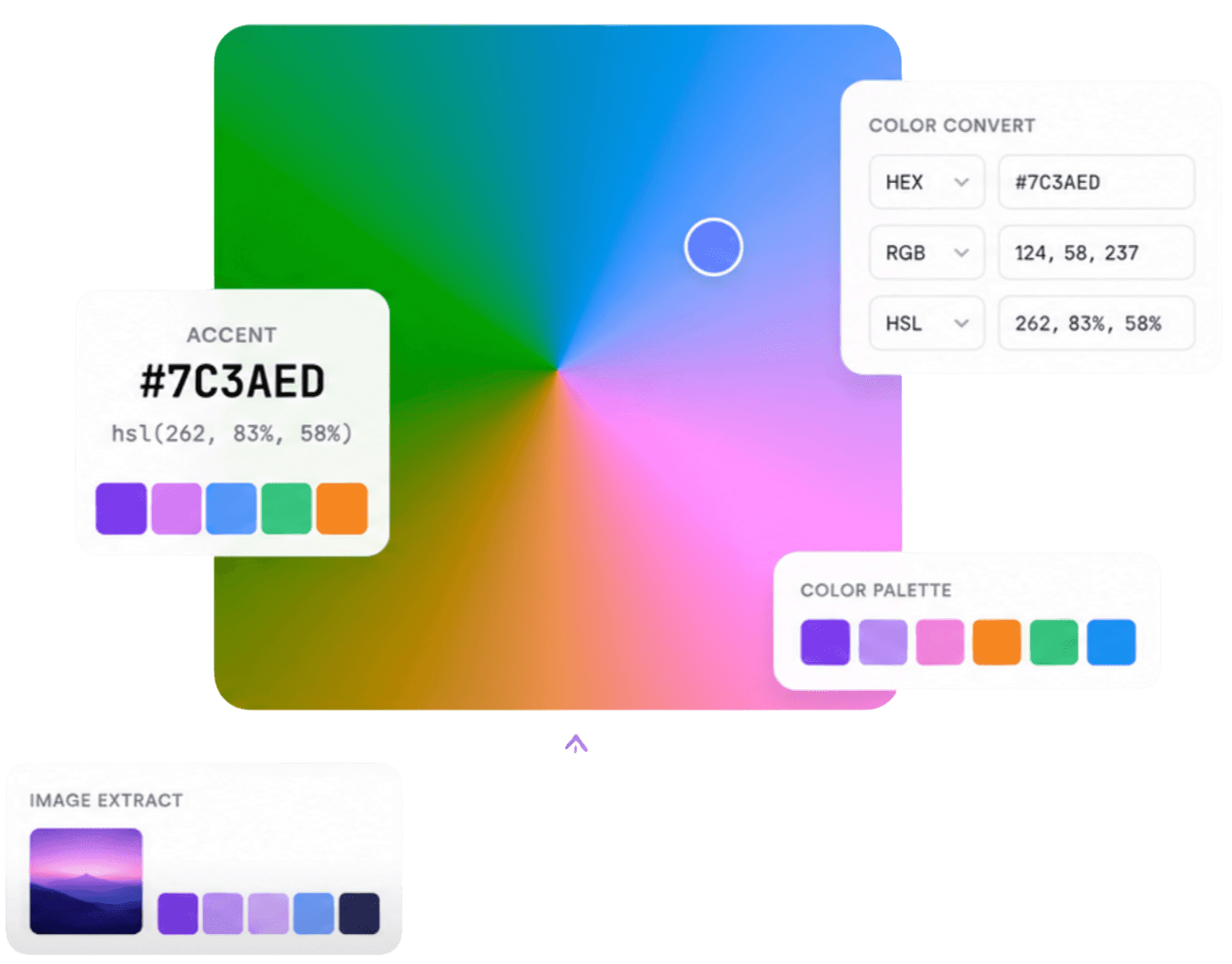
33 tools609 named colors
Spotlight
Spotlight of the Day
One color and one palette, featured fresh every day — with the values, the complement and the colors that go with them already worked out.
About Today's color
Today's featured color is RichBlack (#004040) — a very dark, vivid cyan color you can copy straight into CSS.
RichBlack palette
A balanced scheme built around RichBlack (#004040) — its complement, two accents and a soft tint — so every value works together.
#004040, #420000, #570057, #2e2e00, #18afaf
The toolkit
Every color tool, one place
33 focused tools that share one thing: accurate color math and a one-click copy button on every value.
Color Picker
Dial in hue, saturation and lightness — get HEX, RGB and HSL live.
Open toolRGB to Hex
Convert red, green and blue channels into a hex code instantly.
Open toolHex to RGB
Turn any hex code into RGB and HSL values in one click.
Open toolColor Wheel
Complementary, analogous, triadic and monochromatic harmonies.
Open toolGradient Generator
Linear, radial and conic gradients with a one-click randomizer.
Open toolPalette Generator
Harmonious palettes from a base color — lock colors, then copy values, CSS or JSON.
Open toolColor Schemes
All six harmony rules for one base color, compared side by side.
Open toolColor Mixer
Blend two colors with a precise ratio slider.
Open toolSVG Recolor
Recolor any SVG — every fill and stroke is detected and adjustable in one click.
Open toolImage Color Picker
Upload an image, extract its palette, sample any pixel.
Open toolImage Color Palette Generator
Upload an image and auto-generate a palette — copy it as values, CSS or JSON.
Open toolImage Converter
Convert any image to PNG, JPG, WebP, AVIF, GIF or SVG — locally.
Open toolPhoto Editor
Adjust exposure, colour and grain, then export the edited photo.
Open toolCollage Maker
Combine a photo with its palette in nine collage styles.
Open toolPalette Visualizer
Preview one palette as UI, branding, posters, patterns and illustrations — then export the sheet.
Open toolContrast Checker
WCAG ratio with AA / AAA pass-fail badges.
Open toolColor Blindness Simulator
See any palette or image through protanopia, deuteranopia, tritanopia and achromatopsia.
Open toolShades Generator
Tints, shades and tones for any color — copy every hex value.
Open toolRGB to CMYK
Preview screen colors as print ink percentages.
Open toolCMYK to RGB
Turn CMYK ink percentages back into screen colors.
Open toolRandom Color Generator
A fresh color with copyable HEX, RGB and HSL.
Open toolRandom Palette Generator
Harmonious five-color palettes shuffled per click.
Open toolColor Name Finder
Find the closest named color to any hex or RGB value.
Open toolTailwind Color Generator
Build a Tailwind 50–950 scale, preview it in a real interface, export CSS or config.
Open toolColor Library
Over 609 named colors with shades, tints and values.
Open toolColor Charts
Tailwind, Material Design and web-safe references.
Open toolHex to RGBA
Add an alpha channel to a hex color and read the rgba() value.
Open toolHex to HSL
Read the hue, saturation and lightness behind a hex code.
Open toolHSL to Hex
Turn hue, saturation and lightness into a hex code for CSS.
Open toolRGB to HSL
Convert red, green and blue channels into HSL values.
Open toolHex to HSV
Read the hue, saturation and value (brightness) of a hex color.
Open toolCMYK to Hex
Turn print ink percentages into a hex code for the screen.
Open toolOKLCH Converter
Convert oklch() to hex, or read the OKLCH values behind a hex.
Open toolFlagship previews
Two tools that show a palette in use
The Tailwind Color Generator turns one base color into the full 50–950 ramp, then draws a working interface with it. The Palette Visualizer goes wider: 24 design templates across five categories — UI, branding, typography, pattern and illustration — exported as one PNG sheet.
Tailwind Color Generator
Type a hex and the ramp builds itself: your color is pinned to the step it really lands on instead of being forced into 500, and the ends are eased so they never go neon. The same ramp then draws buttons in every state, charts, a calendar, a design board and a settings form — light and dark — ready to copy as CSS variables or a tailwind.config.js block.
#6366f1 lands on step 400 — the marked swatch above.
Palette Visualizer
A row of swatches cannot say whether a palette holds a dashboard together, so the visualizer applies it to real layouts instead. Every template reads the same roles — lightest, darkest, accent and a pale paper tint — which is why one palette fills a dashboard, a brand board, a poster, a seamless pattern or an illustration, and even a two-color palette still produces a complete design. Click a card to enlarge it, then export the set as one PNG sheet.
Color harmony
Color Schemes
One base hue, six classic rules — each suits a different job, from calm backgrounds to a single bold focal point.
Accurate math
Spec-correct HEX, RGB and HSL conversions and WCAG 2.x luminance formulas.
Copy everything
Every value on the site has a one-click copy button. No retyping, ever.
Fast by default
No accounts, no trackers, no clutter. Just tools that load instantly.
Start here
Start with a color. Any color.
Paste a hex, rgb() or hsl() value and jump straight to its page — or browse 609 named colors, each with shades, tints, harmonies and the colors that go with it.
Journal
From the blog
Deep dives into color theory, accessibility and brand color — written for people who ship designs, not just admire them.

Monochromatic Color Scheme: Examples & How to Build One
Learn what a monochromatic color scheme is, how tints, shades, and tones work, and how to build a cohesive palette with practical examples.

Neutral Colors: What They Are and the Complete Palette Guide
Neutral colors explained — the classic black, white, gray, and brown, plus "secret" neutrals like dusty blue and sage green. Full palette with hex codes.

Netflix Red: The Exact Hex Code Behind the Logo
Netflix Red is #E50914 — but the "N" icon actually uses a second, darker red. The real hex codes, brand history, and contrast math behind the logo.
What is RGB-Colors?
RGB-Colors is a free toolkit of color tools for designers and developers. Pick any shade, convert between HEX, RGB and HSL, build harmonious color palettes, generate CSS gradients, mix colors, extract palettes from images and check text contrast against WCAG — all in your browser, with no account and no uploads.
Frequently asked questions
33 tools: a color picker, RGB to hex, hex to RGB and CMYK converters, HEX to RGBA, HSL, HSV and OKLCH converters, a color wheel, a color schemes comparison, gradient, palette, shade, Tailwind and random-palette generators, a random color generator, a color mixer, a color name finder, a palette visualizer, a color blindness simulator, an SVG recoloring tool, image color and palette extractors, a photo editor and collage maker, an image converter, a WCAG contrast checker, a color library and reference charts.